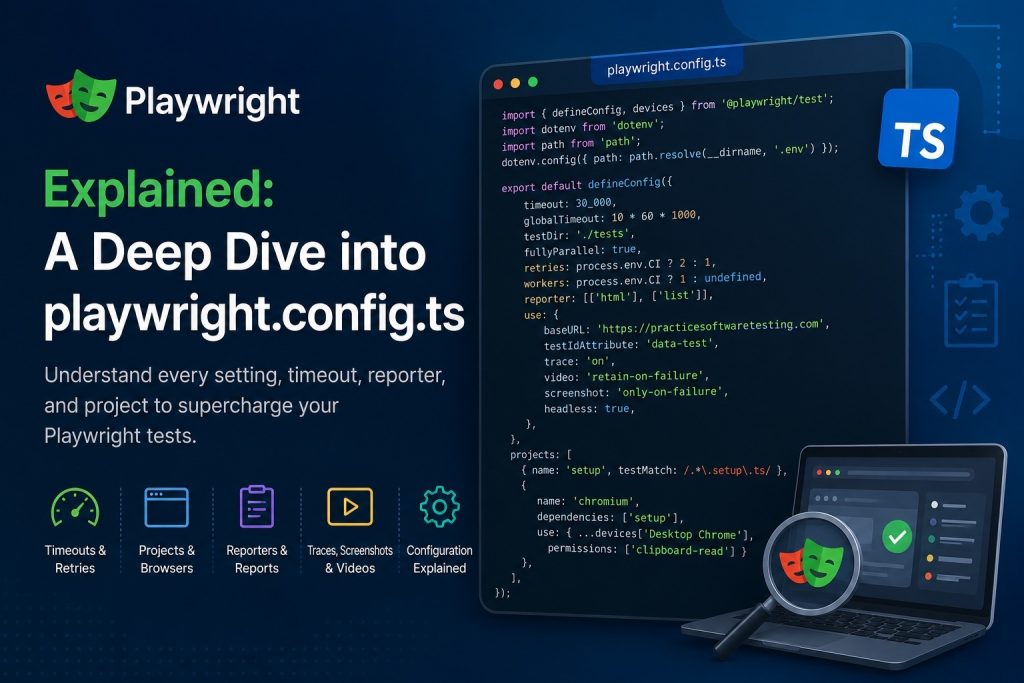
playwright.config.ts is the central configuration file for Playwright. It defines how your tests run, which browsers are used, timeouts, reporting, and many other settings. Think of it as the control panel for your entire test project.
import { defineConfig, devices } from "@playwright/test";

/**
 * Read environment variables from file.
 * https://github.com/motdotla/dotenv
 */
import dotenv from "dotenv";
import path from "path";
dotenv.config({ path: path.resolve(__dirname, ".env") });

/**
 * See https://playwright.dev/docs/test-configuration.
 */
export default defineConfig({
  timeout: 30_000,
  globalTimeout: 10 * 60 * 1000,
  testDir: "./tests",
  /* Run tests in files in parallel */
  fullyParallel: true,
  /* Fail the build on CI if you accidentally left test.only in the source code. */
  forbidOnly: !!process.env.CI,
  /* Retry on CI 2 times and locally 1 time */
  retries: process.env.CI ? 2 : 1,
  /* Opt out of parallel tests on CI. */
  workers: process.env.CI ? 1 : undefined,
  /* Reporter to use. See https://playwright.dev/docs/test-reporters */
  reporter: [["html"], ["list"]],
  /* Shared settings for all the projects below. See https://playwright.dev/docs/api/class-testoptions. */
  use: {
    /* Base URL to use in actions like `await page.goto('/')`. */
    baseURL: "https://practicesoftwaretesting.com",
    testIdAttribute: "data-test",
    /* Collect trace when retrying the failed test. See https://playwright.dev/docs/trace-viewer */
    trace: "on",
    actionTimeout: 0,
    ignoreHTTPSErrors: true,
    video: "retain-on-failure",
    screenshot: "only-on-failure",
    headless: true,
  },

  /* Configure projects for major browsers */
  projects: [
    {
      name: "setup",
      testMatch: /.*\.setup\.ts/,
    },
    {
      name: "chromium",
      dependencies: ["setup"],
      use: { ...devices["Desktop Chrome"], permissions: ["clipboard-read"] },
    },
    // {
    //   name: 'firefox',
    //   dependencies: ["setup"],
    //   use: { ...devices['Desktop Firefox'] },
    // },

    // {
    //   name: 'webkit',
    //   dependencies: ["setup"],
    //   use: { ...devices['Desktop Safari'] },
    // },

    /* Test against mobile viewports. */
    // {
    //   name: 'Mobile Chrome',
    //   use: { ...devices['Pixel 5'] },
    // },
    // {
    //   name: 'Mobile Safari',
    //   use: { ...devices['iPhone 12'] },
    // },

    /* Test against branded browsers. */
    // {
    //   name: 'Microsoft Edge',
    //   use: { ...devices['Desktop Edge'], channel: 'msedge' },
    // },
    // {
    //   name: 'Google Chrome',
    //   use: { ...devices['Desktop Chrome'], channel: 'chrome' },
    // },
  ],

  /* Run your local dev server before starting the tests */
  // webServer: {
  //   command: 'npm run start',
  //   url: 'http://127.0.0.1:3000',
  //   reuseExistingServer: !process.env.CI,
  // },
});
import { defineConfig, devices } from "@playwright/test";This imports two important things.
defineConfigHelps create a Playwright configuration with autocomplete and type checking.
devicesContains predefined browser/device configurations.
For example:
devices["Desktop Chrome"]
devices["Pixel 5"]
devices["iPhone 12"]
These automatically configure viewport size, user agent, touch support, and more.
import dotenv from "dotenv";
import path from "path";
These are Node.js libraries.
dotenvReads variables from a .env file.
Example:
USERNAME=admin
PASSWORD=secret
Later you can access them:
process.env.USERNAMEdotenv.config({
path: path.resolve(__dirname, ".env")
});This loads the .env file located beside playwright.config.ts.
Export configuration
export default defineConfig({
Everything inside this object is your Playwright configuration.
Timeout
timeout: 30_000,Maximum duration for a single test.
30,000 ms = 30 seconds
If a test takes longer:
Test timeout of 30000ms exceeded.Global timeout
globalTimeout: 10 * 60 * 1000,Maximum duration for the entire test run.
Calculation:
10 × 60 × 1000

= 600000 ms

= 10 minutes
If all tests together exceed ten minutes, Playwright stops.
Test directory
testDir: "./tests",Playwright searches for tests inside
tests/Example
tests/

login.spec.ts
checkout.spec.ts
search.spec.ts
Parallel execution
fullyParallel: true,Allows tests to run simultaneously.
Example:
Instead of
Test A
Test B
Test C
it becomes
Test A Test B Test CPrevent accidental test.only
forbidOnly: !!process.env.CI,Sometimes you write
test.only(...)Only that test runs.
Very useful locally.
Very dangerous in CI.
This setting makes Playwright fail immediately if test.only is committed.
Retries
retries: process.env.CI ? 2 : 1,This is a JavaScript ternary operator.
Equivalent to
if (process.env.CI)
    retries = 2;
else
    retries = 1;
Meaning
On CI: 2 retries
Locally: 1 retry
Workers
workers: process.env.CI ? 1 : undefined,Workers are parallel processes.
Locally: Playwright uses all CPU cores.
On CI: Only one worker.
This avoids flaky tests on slower CI servers.
Reporter
reporter: [
    ["html"],
    ["list"]
],
Two reports are generated.
HTML report
Beautiful report with
- screenshots
- traces
- videos
- pass/fail status
Open it with
npx playwright show-reportList reporter
Prints progress in the terminal.
Example
✓ Login
✓ Search
✗ Checkout
To be continued.