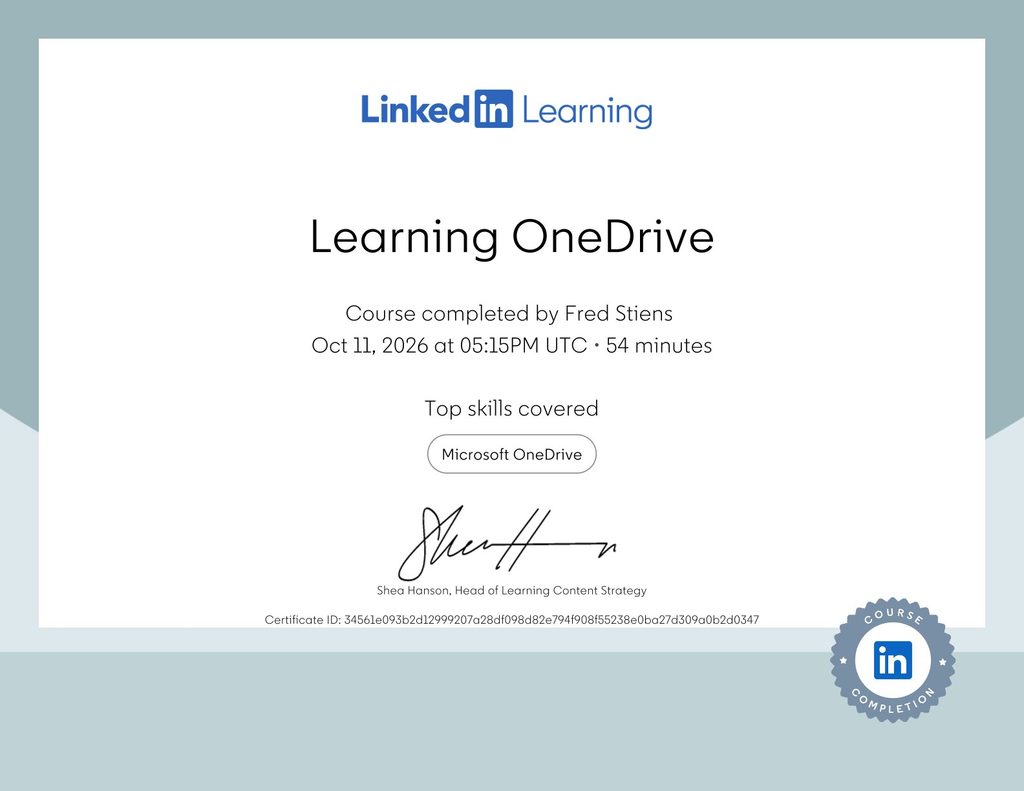
I recently completed an online training course dedicated to Microsoft OneDrive, Microsoft’s cloud storage and file sharing platform. After successfully completing the lessons and chapter quizzes, I received my Certificate of Completion. Although OneDrive is a familiar tool for many Windows users, the course provided a structured overview of its functionality, particularly file synchronization, cloud storage management, security settings and sharing documents with other people. Even when you use a tool on a daily basis, there is always something new to discover. Taking the time to explore its features and understand the ins and outs can help you work more efficiently, make better use of its capabilities and discover useful functionality you might otherwise overlook.
What Did the Course Cover?
The training was divided into three main chapters, combining instructional videos with quizzes to test the knowledge acquired.
1. Getting Started with OneDrive
The first chapter introduced the fundamentals of Microsoft OneDrive and explained how to access and configure the service. Topics included:
- Signing in and accessing OneDrive through a web browser
- Navigating the OneDrive web interface
- Installing the OneDrive desktop application on macOS
- Configuring OneDrive in Windows 10
- Exploring OneDrive settings and preferences
- Setting up Personal Vault for additional protection of sensitive files
One particularly interesting feature is OneDrive Personal Vault, which provides an additional layer of identity verification when accessing protected documents.
The chapter concluded with a five question quiz.
2. Working with Files and Folders
The second chapter focused on everyday file management operations. It covered uploading files through the OneDrive web interface, synchronizing files using the desktop application, organizing folders and performing common operations such as renaming, copying, downloading and deleting files. An important concept is the difference between storing files exclusively in the cloud and keeping synchronized copies on a local computer. OneDrive allows users to access documents from multiple devices while maintaining synchronization between them. This is particularly useful when working across several computers or switching between desktop and laptop environments. The chapter also included a five question knowledge assessment.
3. Sharing and Searching Files
The final chapter concentrated on one of OneDrive’s most useful capabilities: sharing files securely with other people. The lessons explained two different approaches to file sharing:
- Sharing through a link: Generating a link that allows other people to access a document, depending on the configured permissions.
- Sharing with specific people: Granting access to designated recipients, typically using their email addresses.
The course also demonstrated how to search for files stored in OneDrive. Understanding sharing permissions is especially important because incorrectly configured access rights can unintentionally expose documents to unauthorized users. When sharing sensitive information, I prefer granting access to specific people rather than creating links that anyone can use. Another important consideration is that sharing an individual file does not automatically grant someone access to the rest of your OneDrive storage. The final chapter concluded with a three question quiz.
Why Is OneDrive Relevant?
Cloud storage has become an essential component of modern IT environments. Whether working independently, collaborating with colleagues or managing documents across multiple devices, services such as OneDrive offer several practical advantages. These include centralized file storage, synchronization, document accessibility, collaboration and integration with Microsoft 365. For IT professionals, understanding the underlying permission model and synchronization behavior is particularly valuable. Cloud storage is convenient, but convenience should never come at the expense of security.
Certificate of Completion
After completing all three chapters and their associated quizzes, I successfully finished the course and obtained my Certificate of Completion. The training included 13 instructional videos and three chapter quizzes, covering the essential features of Microsoft OneDrive. While this is an introductory course rather than an advanced technical certification, it provided a useful opportunity to review OneDrive’s capabilities in a structured way and reinforce good practices for cloud file management and secure sharing.
Conclusion
Microsoft OneDrive is much more than a simple online folder for storing documents. It combines cloud storage, synchronization, file management and collaboration features into a platform that integrates closely with the Microsoft ecosystem. Completing this course was another small step in my continuous professional development and my ongoing effort to expand and maintain my IT knowledge.