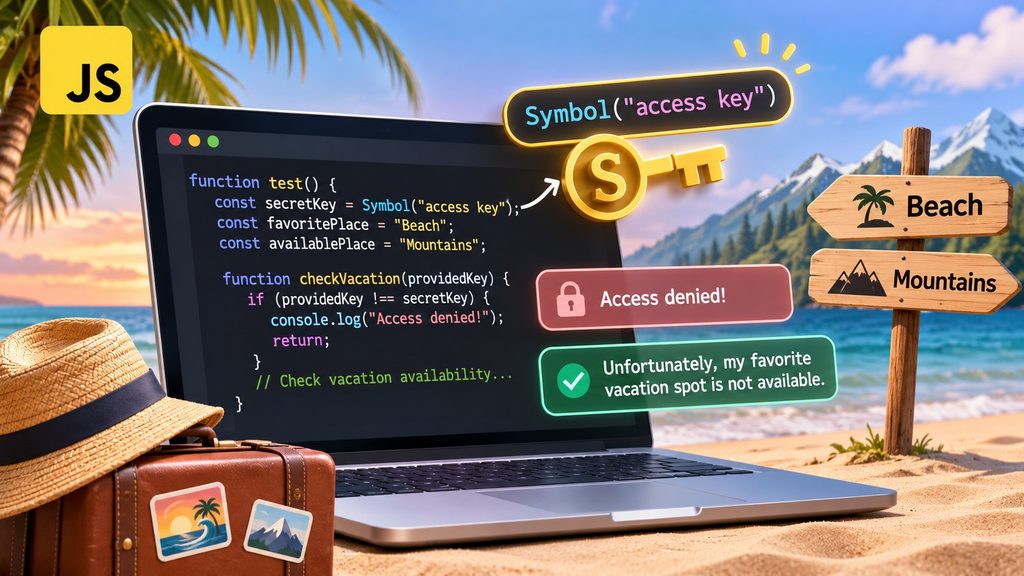
function test() {
    const secretKey = Symbol("access key");
    const favoritePlace = "Beach";
    const availablePlace = "Mountains";

    const isAvailable = favoritePlace === availablePlace;

    function checkVacation(providedKey) {
        // Check access permission
        if (providedKey !== secretKey) {
            console.log("Access denied!");
            return;
        }

        // Check vacation availability
        if (isAvailable) {
            console.log("My favorite vacation spot is available!");
        } else {
            console.log("Unfortunately, my favorite vacation spot is not available.");
        }
    }

    // Test with an incorrect access key
    checkVacation(Symbol("access key"));

    // Test with the correct access key
    checkVacation(secretKey);
}
JavaScript provides several primitive data types, including strings, numbers, booleans, and symbols. While most developers regularly work with strings and numbers, the Symbol data type is less commonly encountered. Introduced in ECMAScript 2015 (ES6), Symbol allows developers to create unique identifiers. Unlike strings, two symbols with identical descriptions are never equal when created independently. In this tutorial, we will explore how JavaScript symbols work by building a simple vacation availability checker that uses a symbol as an access key.
Creating a unique identifier with Symbol()
The first interesting statement is:
const secretKey = Symbol("access key");The Symbol() function creates a new primitive value that is guaranteed to be unique.
The string "access key" serves as a description of the symbol. It is useful for debugging, but it does not determine the symbol’s identity.
Consider the following example:
const key1 = Symbol("access key");
const key2 = Symbol("access key");
console.log(key1 === key2); // false
Although both symbols share the same description, JavaScript considers them different values.
This behavior is fundamentally different from strings.
const key1 = "access key";
const key2 = "access key";

console.log(key1 === key2); // true
Two strings containing identical characters are equal when compared using the strict equality operator. Two independently created symbols are not. This uniqueness makes symbols particularly useful when developers need identifiers that should not accidentally collide with other identifiers.
Comparing vacation destinations
Next, our program defines two destinations:
const favoritePlace = "Beach";
const availablePlace = "Mountains";
The variable favoritePlace represents the destination we would like to visit, while availablePlace represents the destination currently available. We compare both values using the strict equality operator:
const isAvailable = favoritePlace === availablePlace;Because "Beach" and "Mountains" are different strings, the expression evaluates to false. The variable isAvailable therefore contains a boolean value. Using === is generally preferable to == because strict equality does not perform implicit type conversion between different types.
For example:
console.log(5 === "5"); // false
console.log(5 == "5");  // true
Strict equality makes comparisons more predictable and helps prevent unexpected behavior.
Understanding nested functions and scope
Inside our main test() function, we declare another function:
function checkVacation(providedKey) {
    // Function implementation
}
This is called a nested function.
One important characteristic of JavaScript is that nested functions can access variables declared in their surrounding lexical scope.
Our checkVacation() function can therefore access:
secretKey
isAvailable
Even though neither variable is passed directly as an argument. This behavior is related to JavaScript closures. The inner function retains access to its surrounding lexical environment, including when it is invoked. In this example, the nested function is called while the outer function is still executing. By keeping secretKey inside test(), we also prevent it from becoming a global variable. However, this does not make the symbol a cryptographically secure secret.
Checking access permissions
Before checking vacation availability, the program validates the supplied access key.
if (providedKey !== secretKey) {
    console.log("Access denied!");
    return;
}
The !== operator checks whether two values are strictly unequal.
If the supplied key differs from the original symbol, the application prints:
Access denied!The return statement immediately terminates the execution of checkVacation(). This technique is known as an early return or guard clause. Guard clauses are useful because they prevent unnecessary processing and reduce deeply nested conditional statements. Without an early return, we might need an additional else block around the rest of the function. By validating access at the beginning, the remaining code becomes easier to read and maintain.
Checking vacation availabilityOnce the access key has been validated, the program checks whether the favorite destination is available.
if (isAvailable) {
    console.log("My favorite vacation spot is available!");
} else {
    console.log("Unfortunately, my favorite vacation spot is not available.");
}
Since isAvailable contains false, the second message is displayed. If we change the available destination to "Beach", the comparison will return true, and the program will display the positive message instead. This illustrates how boolean expressions control the execution flow of a JavaScript application.
Testing the access key
The most interesting part of our example is the two function calls. First, we attempt to access the vacation information using a newly created symbol:
checkVacation(Symbol("access key"));Although the description matches the original symbol, this expression creates an entirely new symbol. onsequently, the comparison fails, and access is denied. Next, we call the function using the original symbol:
checkVacation(secretKey);This time, we pass the exact same symbol value. The strict equality comparison succeeds, and the application proceeds to check vacation availability.
Expected console output
Access denied!
Unfortunately, my favorite vacation spot is not available.
The first message demonstrates that two symbols with identical descriptions are not interchangeable. The second message confirms that passing the original symbol allows the function to continue.
Are JavaScript symbols suitable for security?
Our example demonstrates a simple form of access control, but there is an important distinction between unique identifiers and secure authentication. A JavaScript symbol is unique, but it is not a password, an encryption key, or a cryptographic security mechanism. Symbols can be useful as internal capability tokens when code controls who receives the original symbol reference. However, they should not be used as the sole security mechanism for protecting sensitive information. For example, client side JavaScript runs in an environment that users can inspect and manipulate. A symbol based check in browser code cannot replace server side authorization. For production applications, developers should use established authentication and authorization mechanisms, such as properly validated sessions, access tokens, and server side permission checks. Our vacation checker is therefore best understood as an educational example of identity comparison and controlled function execution.
Practical applications of JavaScript symbols
Beyond this example, symbols have several practical applications.
Unique object property keys
Symbols can be used as property keys to avoid accidental naming collisions.
const id = Symbol("id");

const user = {
    name: "John",
    [id]: 12345
};

console.log(user[id]); // 12345
nternal identifiers
Libraries and frameworks can use symbols to distinguish internal identifiers from ordinary string properties.
Well known symbols
JavaScript also provides built in symbols, such as Symbol.iterator, which allows objects to participate in iteration protocols.
Capability based programming
A symbol can act as a token that grants access to a particular operation when the receiving function requires the original symbol value.
This approach can be useful for controlling interactions between trusted components within an application.
Conclusion
JavaScript symbols provide a powerful mechanism for creating unique identifiers. Our vacation availability example demonstrates how symbols interact with strict equality comparisons, nested functions, lexical scope, boolean expressions, and guard clauses. The most important lesson is that two independently created symbols are never equal, even when they have identical descriptions. By combining this property with a simple access check, we created a small program that illustrates how unique identifiers can control the execution of a function. Although symbols are not a replacement for proper application security, understanding them helps developers write more predictable JavaScript and design cleaner interfaces between software components. For developers learning modern JavaScript, experimenting with Symbol() is an excellent way to deepen their understanding of primitive values, identity, and scope.