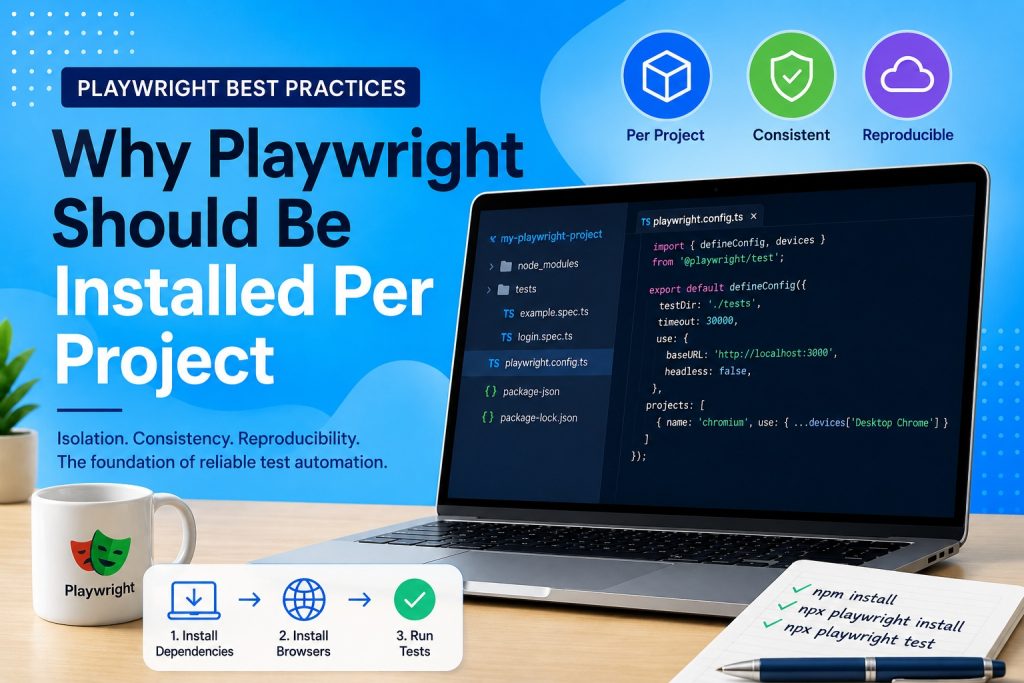
If you are new to Playwright, one question quickly comes up: why do you need to install Playwright inside every project? Would it not be easier to install it once globally and use it everywhere?
At first, installing the same tool multiple times may seem unnecessary. In reality, local project installations are one of the reasons why modern JavaScript development is so reliable. This article explains why.
The old way
Many development tools used to be installed globally. Once installed, every project relied on the same version.
For example:
npm install -g @playwright/test
Although this saves a little disk space, it creates an important problem. Every project now depends on exactly the same Playwright version.
Imagine you have three different projects.
- Project A uses Playwright 1.61
- Project B uses Playwright 1.58
- Project C uses Playwright 1.54
If you install only one global version, at least one of these projects may eventually stop working after an upgrade.
Every project has its own dependencies
Instead, each Playwright project contains its own dependencies inside the node_modules directory.
A typical project structure looks like this:
my project
│
├── node_modules
├── package.json
├── package lock.json
├── playwright.config.ts
└── tests
The exact Playwright version is stored inside package.json.
{
  "devDependencies": {
    "@playwright/test": "^1.61.0"
  }
}
Every developer working on the project installs exactly the same version.
Reproducible development
Suppose you upload your project to GitHub.
A colleague clones the repository and runs:
npm install
All required libraries are downloaded automatically.
Next, the browser binaries are installed.
npx playwright install
Finally, the tests are executed.
npx playwright test
Because everyone uses the versions defined by the project, the test environment is identical across different computers.
This principle is called reproducible development.
Continuous Integration benefits
Local installations become even more important in Continuous Integration environments.
Every build server starts with a clean machine.
The pipeline simply executes:
npm install
npx playwright install
npx playwright test
There is no need to manually configure Playwright on the server beforehand.
The pipeline always uses the correct version that belongs to the project.
Why use npx?
Many beginners think that npx downloads Playwright every time.
That is not what normally happens.
When you execute:
npx playwright test
npx first looks inside the local node_modules directory.
If Playwright is installed there, that version is executed.
Only if no local installation exists does npx attempt to download a temporary package.
This is why professional projects almost always use npx rather than relying on globally installed tools.
What if Playwright is missing?
A common error looks like this:
Error: Cannot find module '@playwright/test'
This usually means the project dependencies have not yet been installed.
The solution is normally very simple.
npm install
If the project does not yet include Playwright, install it as a development dependency.
npm install --save dev @playwright/test
Then install the required browsers.
npx playwright install
Advantages of local installations
Installing Playwright per project provides several important benefits.
- Every project can use its own version.
- Developers always work with identical dependencies.
- Continuous Integration pipelines become predictable.
- Upgrading one project does not affect another.
- Bugs caused by version differences are greatly reduced.
Conclusion
Installing Playwright inside every project may seem unusual at first, especially if you come from environments where development tools are installed globally.
However, this approach makes projects easier to share, easier to maintain, and much more reliable. Every developer, every build server, and every deployment uses exactly the same version of Playwright.
For that reason, local project installations have become the standard practice for modern JavaScript development, and Playwright fully embraces this approach.