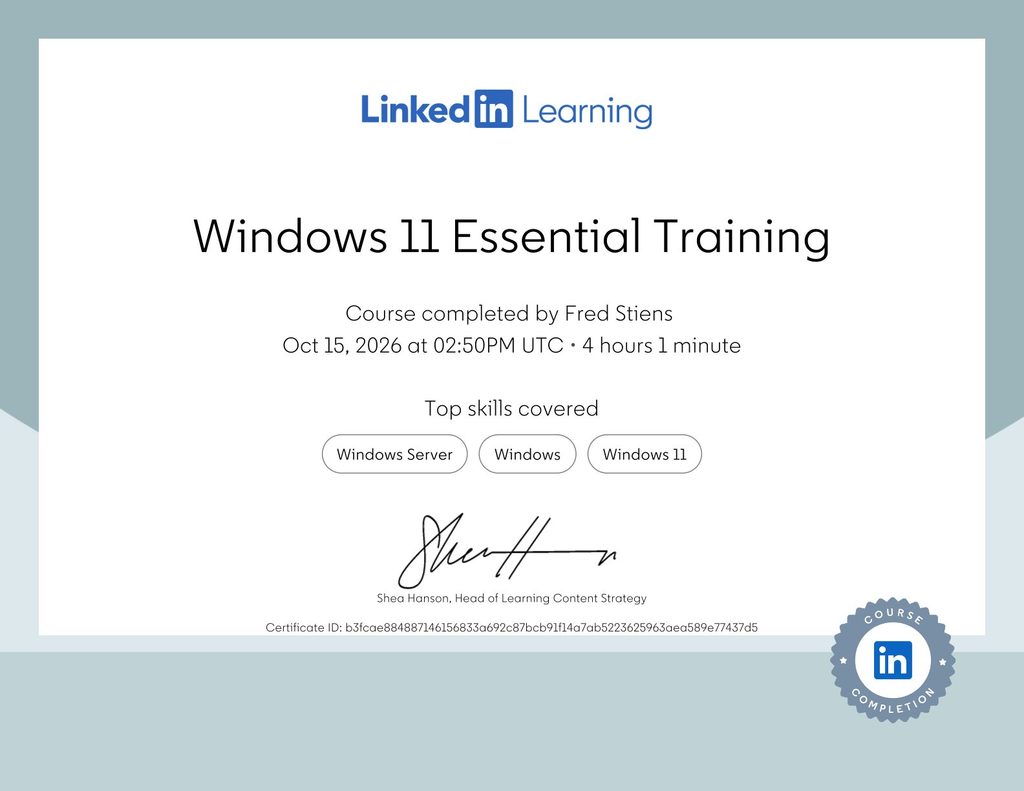
After approximately 30 years of working with Microsoft Windows, I recently completed the Windows 11 Essential Training course on LinkedIn Learning. Why would someone with three decades of Windows experience take a course covering topics such as File Explorer, the Start menu, application management and desktop settings? The answer is: experience is valuable, but experience alone does not guarantee that you are using modern technology in the most efficient way.
From Windows 1.0 to Windows 11
My journey with Microsoft Windows started with Windows 1.x, long before Windows became the operating system that dominates today’s corporate desktop environments. Over the decades, I have witnessed the evolution of Windows through numerous generations, including Windows 3.x, Windows 95, Windows 98, Windows NT, Windows 2000, Windows XP, Windows 7, Windows 10 and now Windows 11. Each generation introduced new capabilities, different approaches to system management and improvements in usability. Some changes were revolutionary. Others were incremental. And occasionally, Microsoft introduced features that required users to rethink habits developed over many years. After working with an operating system for decades, it becomes easy to develop routines that remain unchanged even when better alternatives become available. That was one of my main motivations for taking this course.
Don’t Use Windows 11 Like Windows 10
One of the challenges when upgrading to a new operating system is that experienced users often continue working exactly as they did before. They know where to click, which keyboard shortcuts to use and how to configure their working environment. Everything feels familiar. But familiarity can become a disadvantage when it prevents us from discovering improvements. Windows 11 is not simply Windows 10 with a redesigned Start menu. It introduces improvements to window management, multitasking, desktop organization, application integration, accessibility and productivity.
For example, Windows 11 offers:
- Snap Layouts and Snap Groups: More convenient ways to organize application windows and work with multiple applications simultaneously.
- Virtual desktops: Better separation of different projects and working environments.
- File Explorer improvements: Tabs, updated navigation and changes to the interface that can simplify file management.
- Quick Settings: Convenient access to frequently used system controls.
- Focus sessions and Do Not Disturb: Tools to reduce interruptions and improve concentration.
- Phone Link and Nearby Sharing: Additional ways to connect devices and exchange information.
- Windows Search and Copilot: Search functionality and AI assistance integrated into the Windows experience.
Not every feature is revolutionary, and not every new approach is necessarily better for every user. However, knowing what is available allows you to make an informed decision about how you want to work. The objective was to combine 30 years of experience with the capabilities of today’s operating systems.
What Did the Course Cover?
The LinkedIn Learning course, Windows 11 Essential Training, provided a structured overview of the operating system across 13 chapters.
The subjects included:
- Getting Started with Windows 11
- Launch and Use Applications
- File Explorer: The Windows Filing Cabinet
- Work with the Desktop
- Work with Bundled Applications
- Work with Mail, Address Book, and Calendars
- Install and Manage Applications
- Manage Notifications
- Use AI and Search Tools
- Account Settings
- Accessibility Features in Windows
- Share Data Between Devices
- Backup
The course also included chapter quizzes to verify understanding of the material. Much of the content was already familiar to me. After all, creating folders, installing applications, configuring user accounts and managing files are activities I have performed countless times. Nevertheless, the structured approach provided an opportunity to review the entire desktop experience and discover smaller features and changes that are easy to overlook. The chapters covering Windows 11 productivity features, modern application integration, accessibility and AI were particularly relevant to my objective of updating existing knowledge.
Windows Remains Essential in Business
Despite the popularity of Linux, macOS and cloud computing, Microsoft Windows continues to play a major role in corporate IT environments. Across many organizations, Windows remains a standard operating system for office computers, laptops and professional workstations. Employees use Windows to access business applications, collaborate through Microsoft 365, communicate through Teams, manage documents and interact with enterprise systems. Behind those workstations, Windows Server also remains an important component of business IT infrastructure. Windows Server supports services such as Active Directory Domain Services, DNS, file sharing, Group Policy, application hosting and Hyper-V virtualization.
Although Windows 11 and Windows Server serve different purposes, understanding the Microsoft ecosystem is valuable for professionals working in software development, software testing, IT infrastructure and system administration. Of course, Linux also has a major role in enterprise infrastructure, particularly in cloud computing, containers, web hosting and automation. For me, the objective is not to choose one operating system and reject all others.
A good IT professional should understand the technologies that businesses actually use, regardless of personal preference.
Continuous Learning Is Part of Being an IT Professional
During my career, I have worked with industrial automation, SCADA systems, software testing, software development and IT infrastructure. Technology evolves continuously, and professional experience needs to evolve with it. I regularly work with Windows and Linux environments, virtual machines, servers and networking technologies. My personal IT infrastructure also provides opportunities to experiment with operating systems and enterprise technologies. Completing an introductory Windows 11 course might appear unusual for someone with decades of technical experience. But there is an important distinction between knowing how to use something and knowing how to use it efficiently. A structured course can reveal knowledge gaps, introduce overlooked features and challenge established working habits. It also provides a formal record of continuous professional development. While a LinkedIn Learning certificate is not equivalent to an industry certification or a practical technical examination, it documents the completion of a structured learning programme.
Looking Beyond the Desktop
Windows 11 Essential Training focuses primarily on everyday desktop functionality. It is not an advanced course in Windows administration, enterprise deployment, cybersecurity or Windows Server management. Those subjects require additional technical knowledge and practical experience. For professionals interested in enterprise IT, useful areas for further study include PowerShell automation, Windows security, Active Directory, Microsoft Entra ID, Group Policy, Windows Server, endpoint management and automated software deployment. These technologies also connect directly with software testing, DevOps and modern infrastructure management. My long term objective is to continue strengthening my knowledge across software engineering, testing, automation and infrastructure, while remaining familiar with the tools used in professional IT environments.
Conclusion: Never Stop Updating Your Knowledge
After approximately 30 years of working with Microsoft Windows, I certainly did not need a course to learn how to create a folder or launch an application. That was not the objective. I wanted to review Windows 11 systematically, discover improvements, refresh existing knowledge and avoid carrying outdated working habits into a modern operating system. The course provided that opportunity. For experienced IT professionals, continuous learning does not always mean studying something completely unfamiliar. Sometimes it means revisiting technology you have used for decades and discovering that there are better ways to accomplish familiar tasks.
Thirty years of experience is valuable. Thirty years of experience combined with continuous learning is even better.